Why AI Agents Like Linux's Text Surfaces
Linux exposes files, logs, commands, and services in plain text. That old habit can make inspection and automation easier for AI agents.
Linux has always left a lot of its workings in the open: files, commands, logs, services, and configuration. That can feel like poor user experience when a person only wants Wi-Fi to work.
In an AI-assisted workflow, the same surfaces can become useful handles. An agent can inspect a file, call a command, read a service status, compare a configuration, and explain the result without trying to recognize a changing screen.
My full essay, Linux Might Finally Have Found Its Moment, is an opinion piece, not a claim that Linux has suddenly become the best desktop for everyone. The narrower idea is that readable system state is valuable when software has to inspect and repair a machine.
Text is an API-shaped surface
Suppose the question is “what changed?” A GUI may require opening a settings panel, finding the right page, and remembering which value was there before. A text surface can answer with a file diff or a command result.
These are ordinary examples:
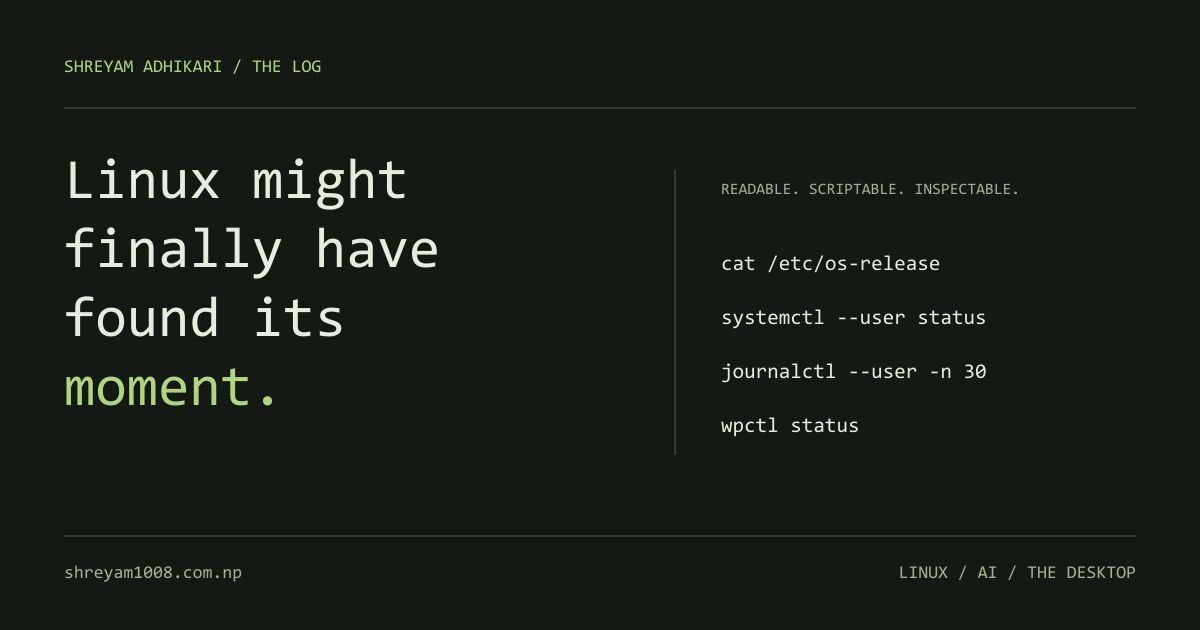
cat /etc/os-release
systemctl --user status
journalctl --user -n 30
wpctl status
The exact commands depend on the distribution and services installed. They are not magic universal controls. They are readable entry points that an agent can call, parse, and check.
The useful loop is:
inspect → change one thing → check the result → explain what happened
That loop is easier to audit when the system gives you text instead of only a visual state.
The old weakness becomes a design choice
Linux did not become approachable because every GUI was rebuilt. Its strength is that many important layers remain scriptable. An agent does not need a perfect settings panel if it can read the state and use a documented command.
That does not mean text is always better. A person may prefer a clear panel for a one-time action. An agent can also make a wrong change very quickly. Good automation needs permissions, a small scope, confirmation for risky operations, and a way to show what changed.
The best interface may be both: a human-friendly control and a text path underneath it.
Gaming made the platform less abstract
SteamOS, Proton, and the Steam Deck helped Linux reach people who did not arrive for an operating-system philosophy. They arrived to play a game.
That matters because a platform becomes useful when it meets a real task. The same hidden-system pattern can help with local development, automation, and AI-assisted computing. A readable service file is not exciting, but it is a good place to start when something needs inspection.
Linux is not a universal answer
The text-first path can be frustrating. Hardware support, audio stacks, desktop defaults, and distribution differences still make Linux work uneven. Agents do not remove those differences; they need to understand them.
What changed is the value of the underlying handles. Files, logs, commands, and services are not only things a human expert can memorize. They are also data an assistant can inspect and discuss.
That is why I think Linux may have a useful moment in the agent era: not because every GUI is perfect, but because the system underneath has been exposed for a long time.
This is a short companion to the full Linux essay. Edited with AI assistance.